Best Minecraft Plugins 2026: Essential Plugins for Every Server Type
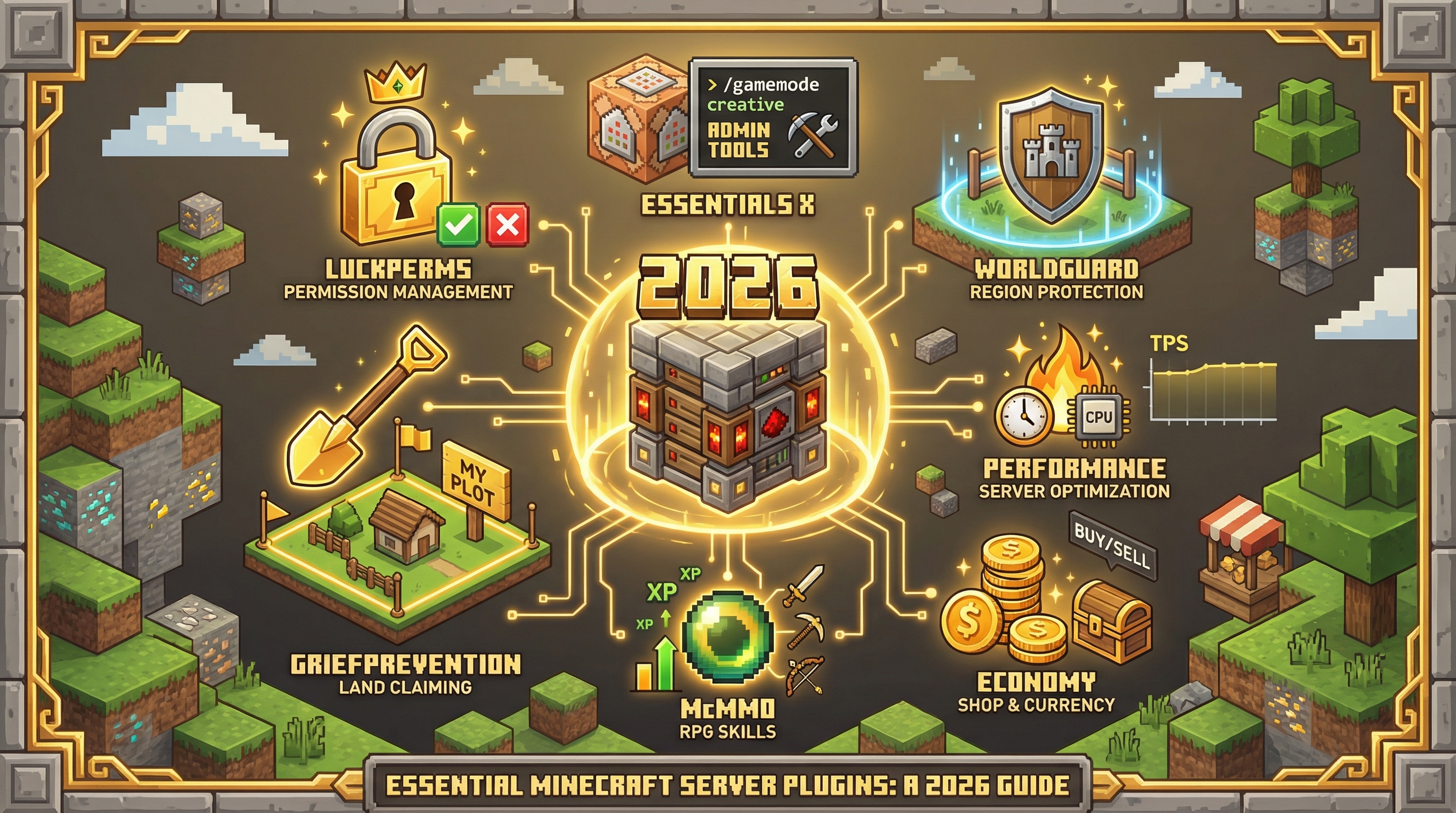
Choosing plugins for your Minecraft server is overwhelming. There are thousands available, most with confusing names, outdated documentation, and conflicting compatibility claims.
This guide cuts through the noise. Whether you're running a survival SMP, a minigames server, or a creative build world, here are the plugins that actually matter in 2026.
Essential Plugins Every Server Needs
These plugins form the foundation of any well-run server. Install these first, regardless of your server type.
LuckPerms (Permissions)
Why it's essential: LuckPerms is the industry-standard permissions plugin. It controls who can do what on your server—from basic commands to admin abilities.
- Web editor for easy permission management
- Support for groups, inheritance, and temporary permissions
- Works with virtually every other plugin
EssentialsX (Core Utilities)
Why it's essential: Provides basic commands players expect: /home, /spawn, /tpa, /msg, and dozens more. It's the Swiss Army knife of server plugins.
WorldGuard (Protection)
Why it's essential: Protects regions from griefing, controls PvP zones, and prevents unauthorized building. Pair it with WorldEdit for region selection.
Best Plugins for Survival Servers
GriefPrevention (Land Claims)
Lets players claim land with a golden shovel. Simple, intuitive, and prevents 90% of griefing incidents. Essential for any public survival server.
McMMO (Skills & Leveling)
Adds RPG-style skills to Minecraft. Mining, excavation, fishing, combat—everything earns experience and unlocks abilities. Adds long-term progression to vanilla gameplay.
ShopGUI+ or Chest Shop (Economy)
Enable players to buy and sell items. ShopGUI+ provides a GUI-based admin shop; ChestShop lets players create their own shops.
Performance Plugins
Spark (Profiling)
The best way to diagnose lag. Spark profiles your server and shows exactly what's consuming resources. Essential for any server experiencing performance issues.
ClearLagg (Entity Management)
Removes ground items and limits entities to prevent lag. Configure it carefully— aggressive settings can frustrate players.
Moderation Plugins
LiteBans (Punishments)
Bans, mutes, kicks, and warnings with a web interface. Syncs across multiple servers and maintains a permanent punishment history.
CoreProtect (Rollback)
Logs every block change and lets you roll back griefing. "Who placed this?" becomes an answerable question. Essential for any public server.
How Vibeforge Handles Plugin Selection
This is exactly why we built Vibeforge. Instead of researching compatibility matrices and configuration syntax, you describe your server:
"A survival server with land claims, an economy, and grief protection"
Vibeforge selects compatible plugins, configures them for your use case, and deploys everything ready to play. Join the waitlist to try it.
Frequently Asked Questions
How many plugins should a server have?
Quality over quantity. 10-15 well-chosen plugins is typical for most servers. More plugins means more potential conflicts and performance overhead.
Do plugins work with all Minecraft versions?
Most plugins target specific versions. Always check compatibility before installing. Paper/Spigot plugins don't work on Forge/Fabric servers (use mods instead).
Where do I download plugins safely?
SpigotMC, Modrinth, and Hangar are the trusted sources. Avoid random download sites— they often contain malware.
Ready to build a server or world?
Join the waitlist for early access. Pick a workload, start from a template, and iterate by chatting.