Parent's Guide: Turn Gaming Into Game Making
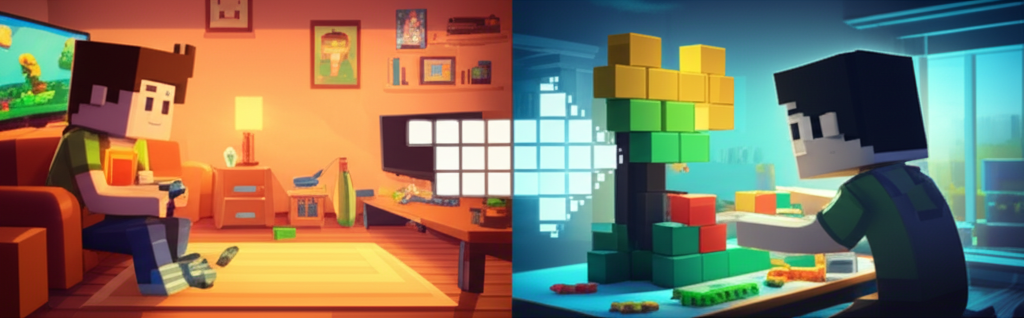
Your kid plays Minecraft for three hours. They watch YouTube gaming videos for two more. They beg for "just five more minutes" at dinner. You've tried screen time limits. You've negotiated. You've worried about whether this is healthy.
But here's a question you might not have asked yet: What if that gaming obsession could become something productive?
According to surveys, 93% of parents want their children learning computer science in school. That's nearly universal agreement that these skills matter for the future.
And yet—here's the paradox—many of those same parents see their kids gaming for hours and feel frustrated. They see screens as the enemy. But what if screens could be the bridge?
Why Game Making Is Actually Good for Kids
An educational blog captured the parental mindset perfectly:
"It's not enough for our children to be mere consumers of content; we want them to be creators."
This distinction—consumer vs. creator—is the key.
What Kids Actually Learn from Game Creation
- Logic and computational thinking. If-then reasoning. Cause and effect.
- Design and user experience. How do you make something fun?
- Persistence and iteration. Games don't work on the first try.
- Storytelling and world-building. What makes this world interesting?
- Project completion. Finishing something is a skill.
The Journey from Player to Creator
Stage 1: Gaming
This is where everyone starts. Your child plays, gets absorbed, learns the rules, starts imagining possibilities.
What to ask: "What would you change about this game if you could change anything?"
Stage 2: Curiosity
At some point, curiosity emerges: "How did they make this?" "Could I make something like this?"
This is a critical moment. If curiosity is met with support, it grows.
Stage 3: First Attempts
Now they're trying to make something. This stage is messy. Their creations won't be polished.
What to do: Celebrate the attempt, not just the result.
Stage 4: Real Creation
With persistence and the right tools, kids create things they're genuinely proud of.
Tools for Young Game Makers
Beginner (Ages 8-10): Scratch
Created by MIT specifically for kids. Over 140 million users. Visual drag-and-drop coding.
Intermediate (Ages 10-14): The Gap
This is where most young creators get stuck. Scratch is too limited. Unity is too complex.
Coming soon: Vibeforge — Describe what you want, get a playable game. No coding required.
Advanced (Ages 14+): Professional Tools
Unity, Godot, Unreal Engine for kids who've stayed motivated through the intermediate stage.
How to Support Without Being a Programmer
You don't need to know the tech. When they show you something, ask questions:
- "How does this part work?"
- "What was the hardest thing to figure out?"
- "What happens when you click that?"
Genuine curiosity matters more than technical knowledge.
Ready to Help Your Child Create?
Vibeforge is building the bridge from player to creator. No coding required. Just imagination.
Join the Waitlist — Perfect for kids who love games and parents who want creative screen time.
Ready to build a server or world?
Join the waitlist for early access. Pick a workload, start from a template, and iterate by chatting.